
Go to app.docuwall.com
1. Introduction
First, let’s ensure your Docuwall tenant is ready to share and receive payments for your documents.
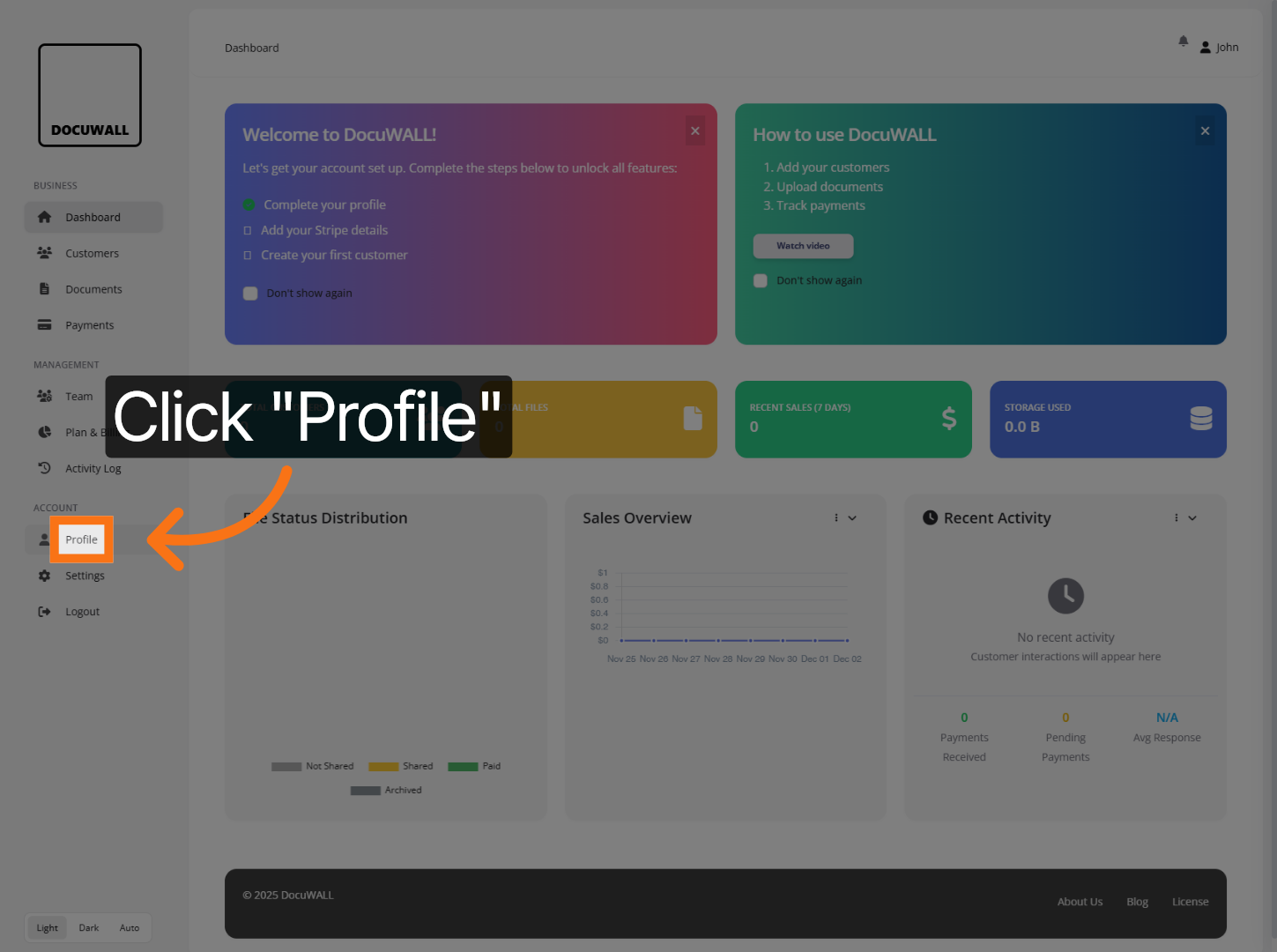
2. Open Profile Settings
First, ensure your profile is completed. This doesn’t affect your customer profiles, but it saves being prompted later.
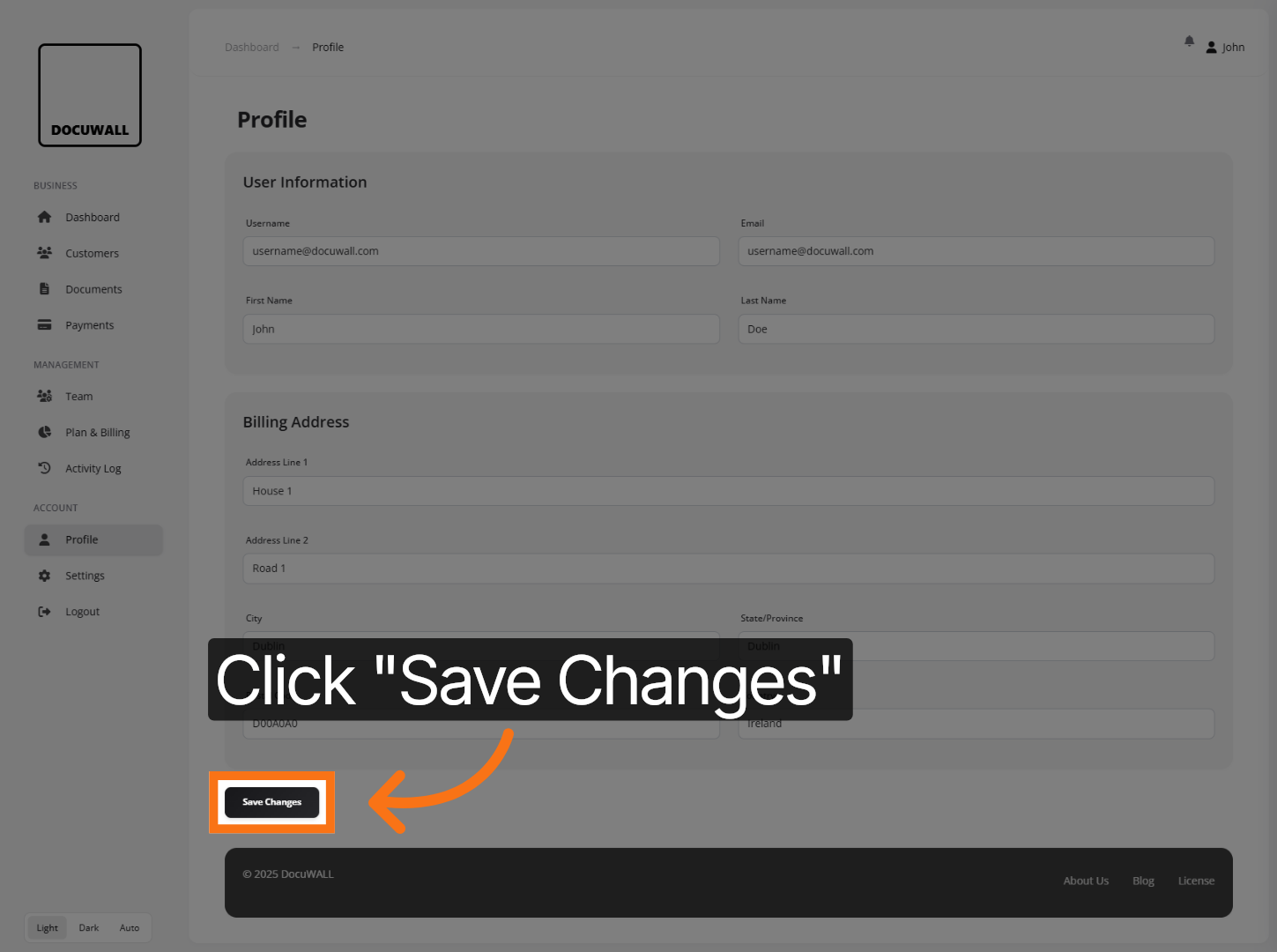
3. Updated Your Profile
Fill in your profile details and press ‘Save Changes’.
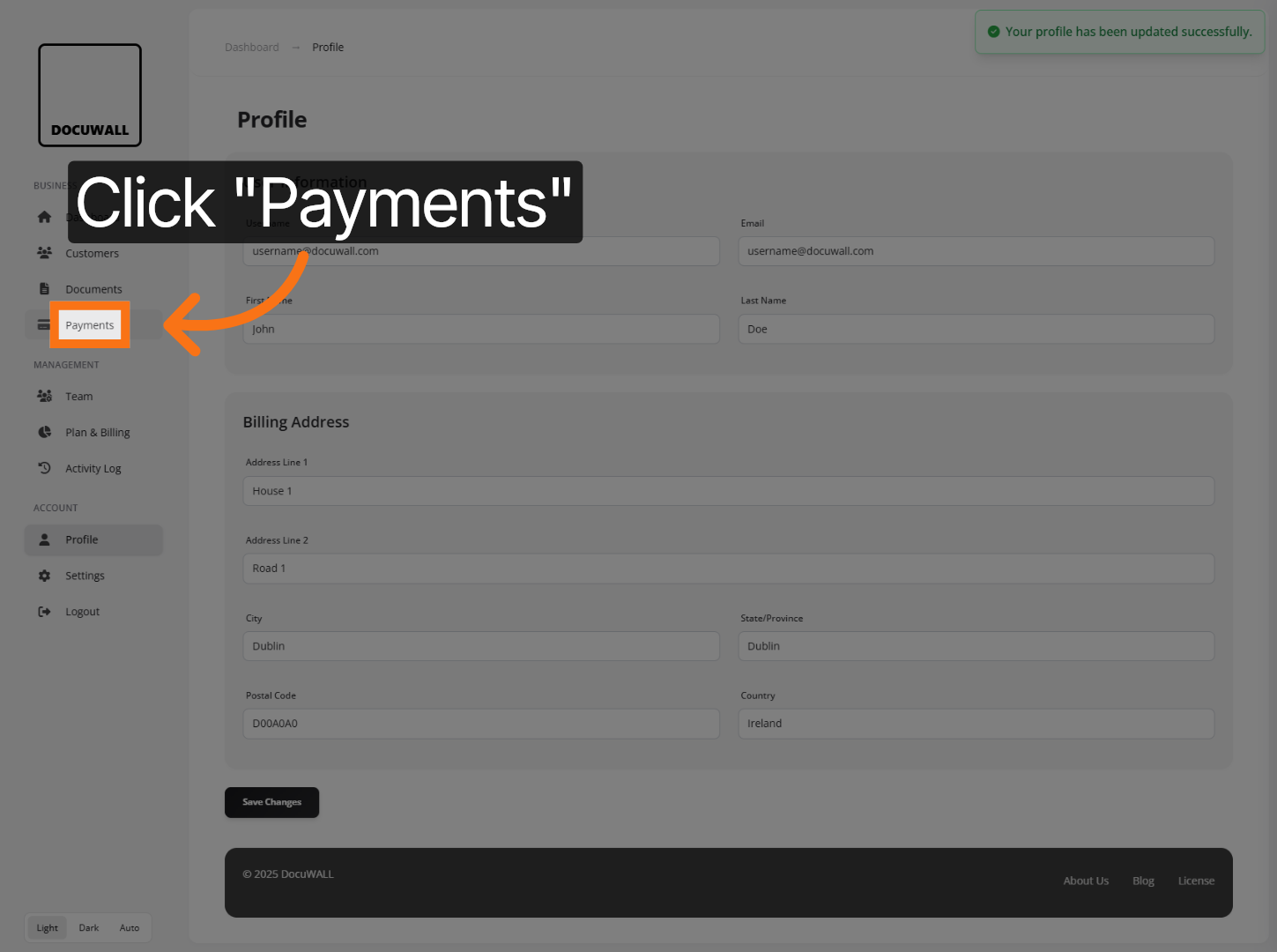
4. Configure inbound payments
Now we want to ensure you can accept payments for your files. Click on the Payments menu item.
5. Configure Payment Details
Click ‘Start Setup Wizard‘ and follow the setup instructions to configure Stripe Connect account. All you need is a few minutes and an IBAN number to receive payments.
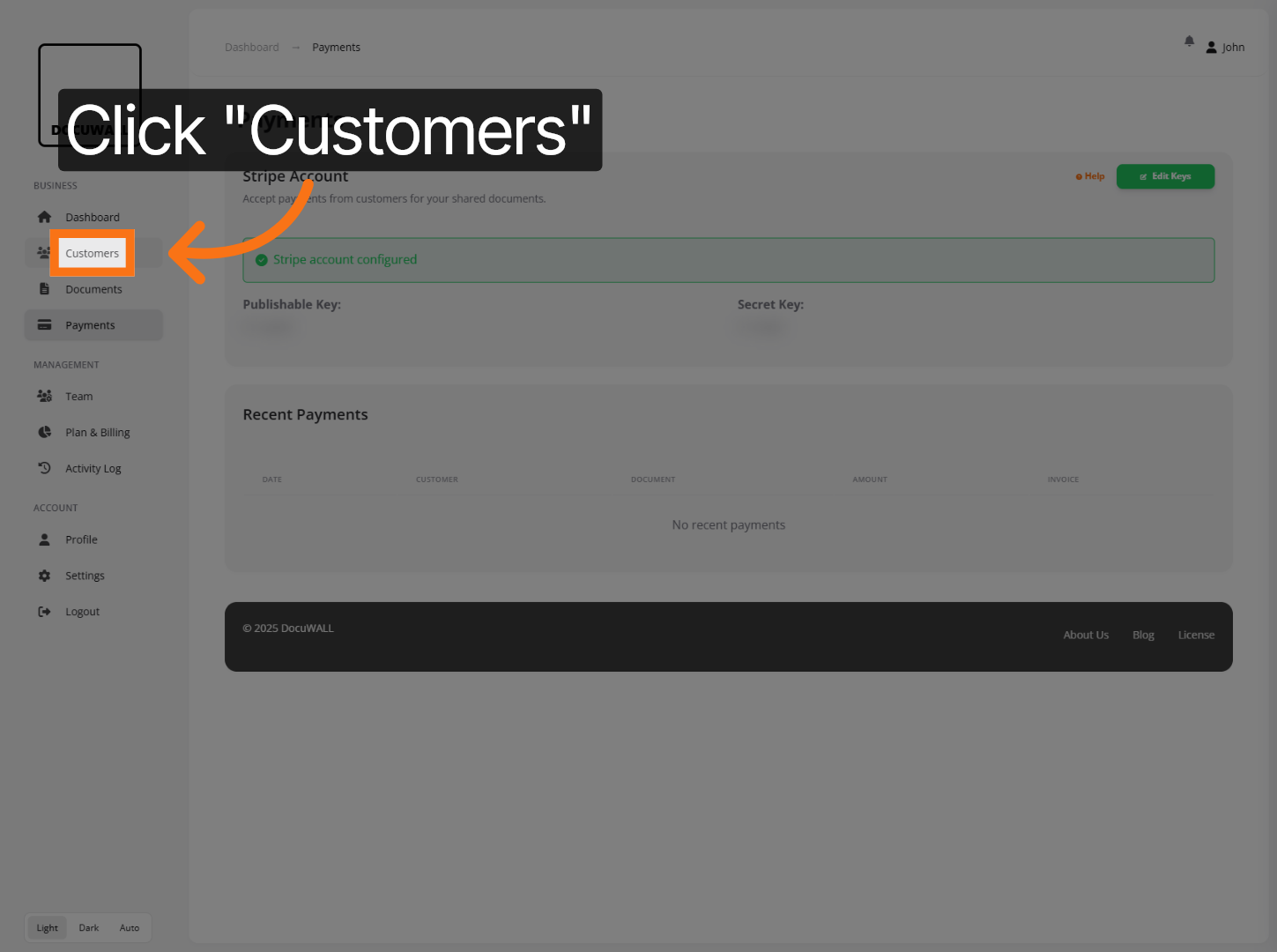
6. Navigate To Customers
Now you’re ready to use Docuwall. Click Customers to view and manage your customer list.
7. Initiate Adding Customer
Click Add Customer to begin entering a new customer’s information.
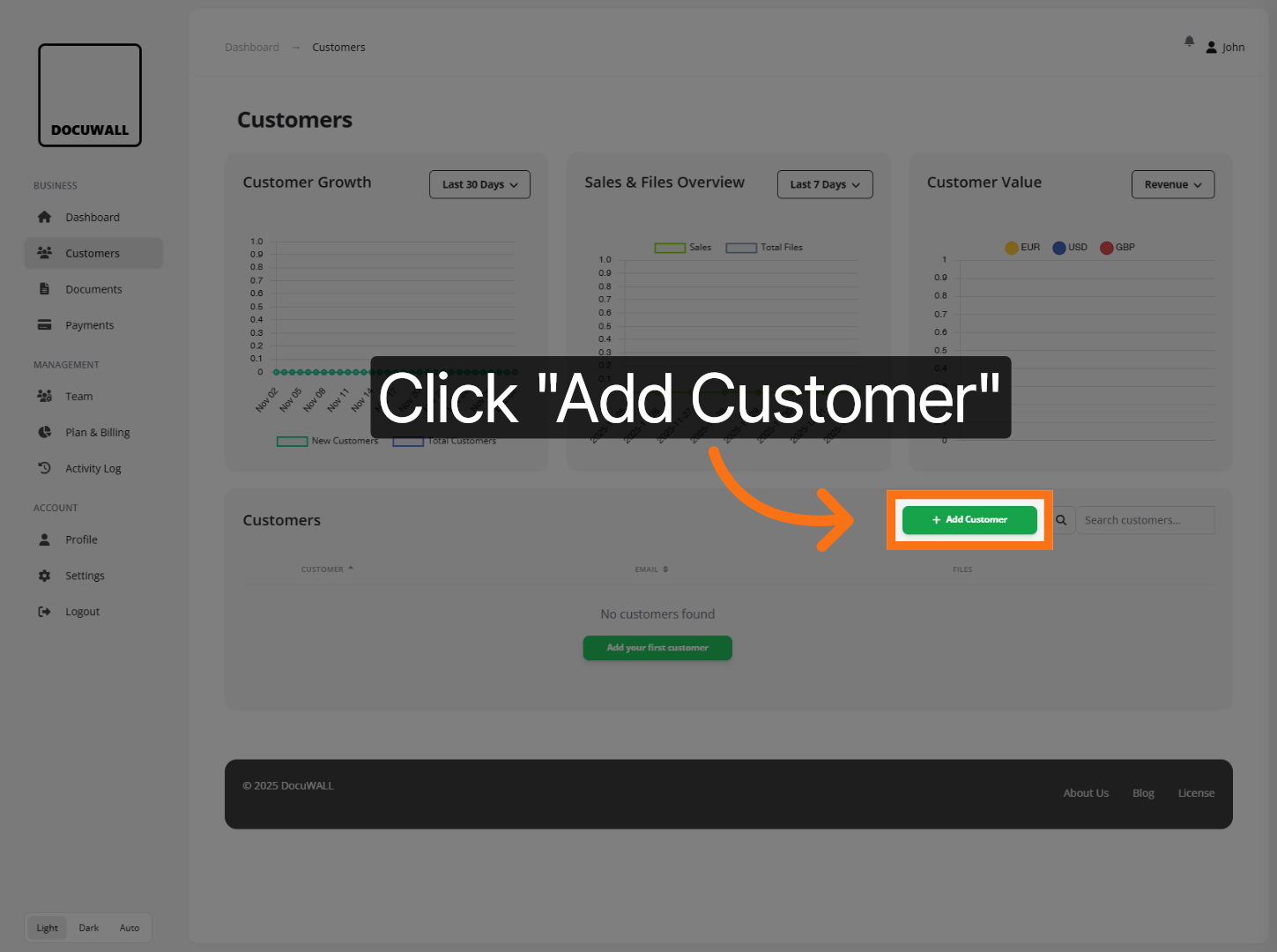
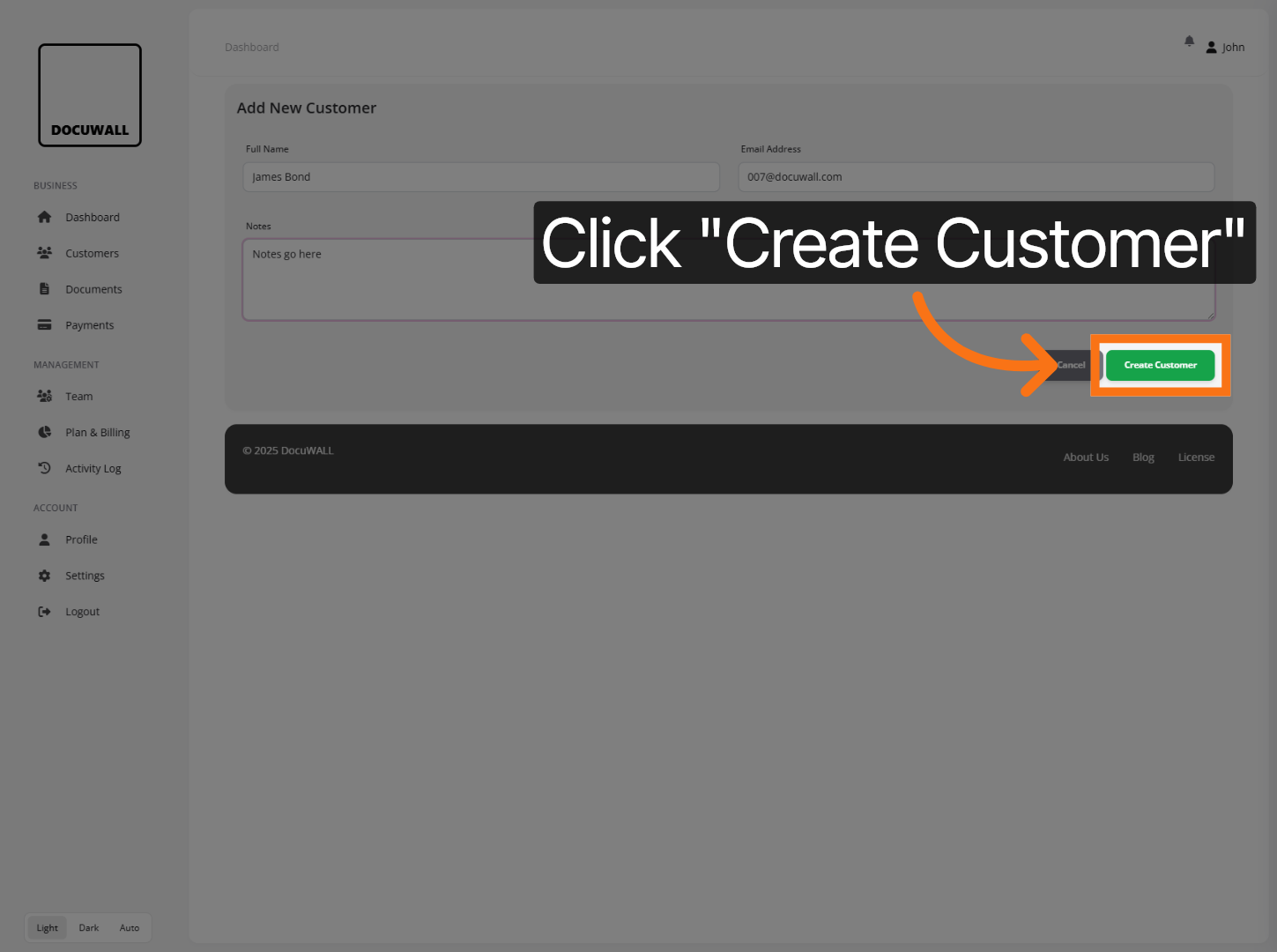
8. Add Customer Details
Enter the new customer’s full name or company name.
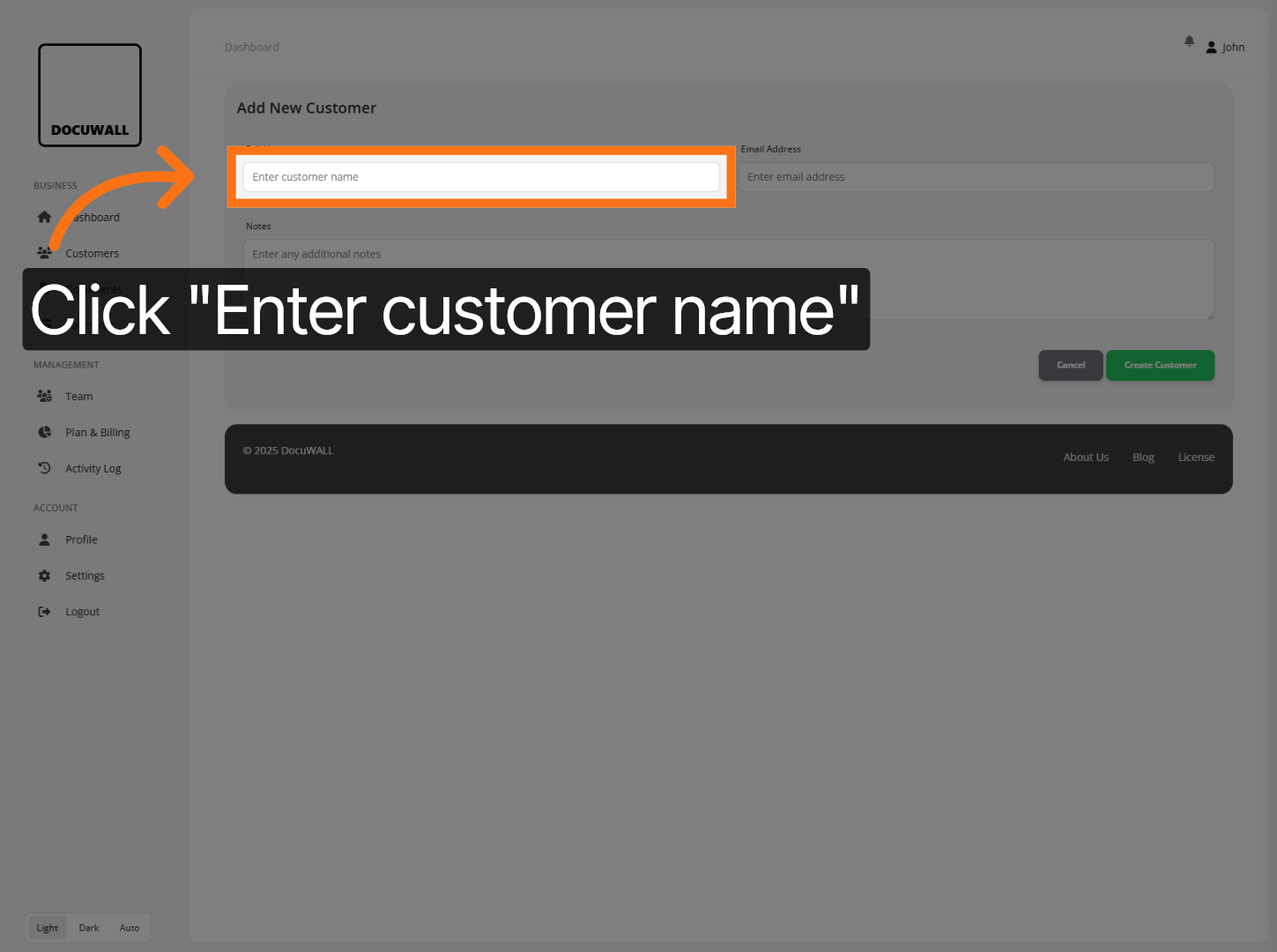
And their email address.
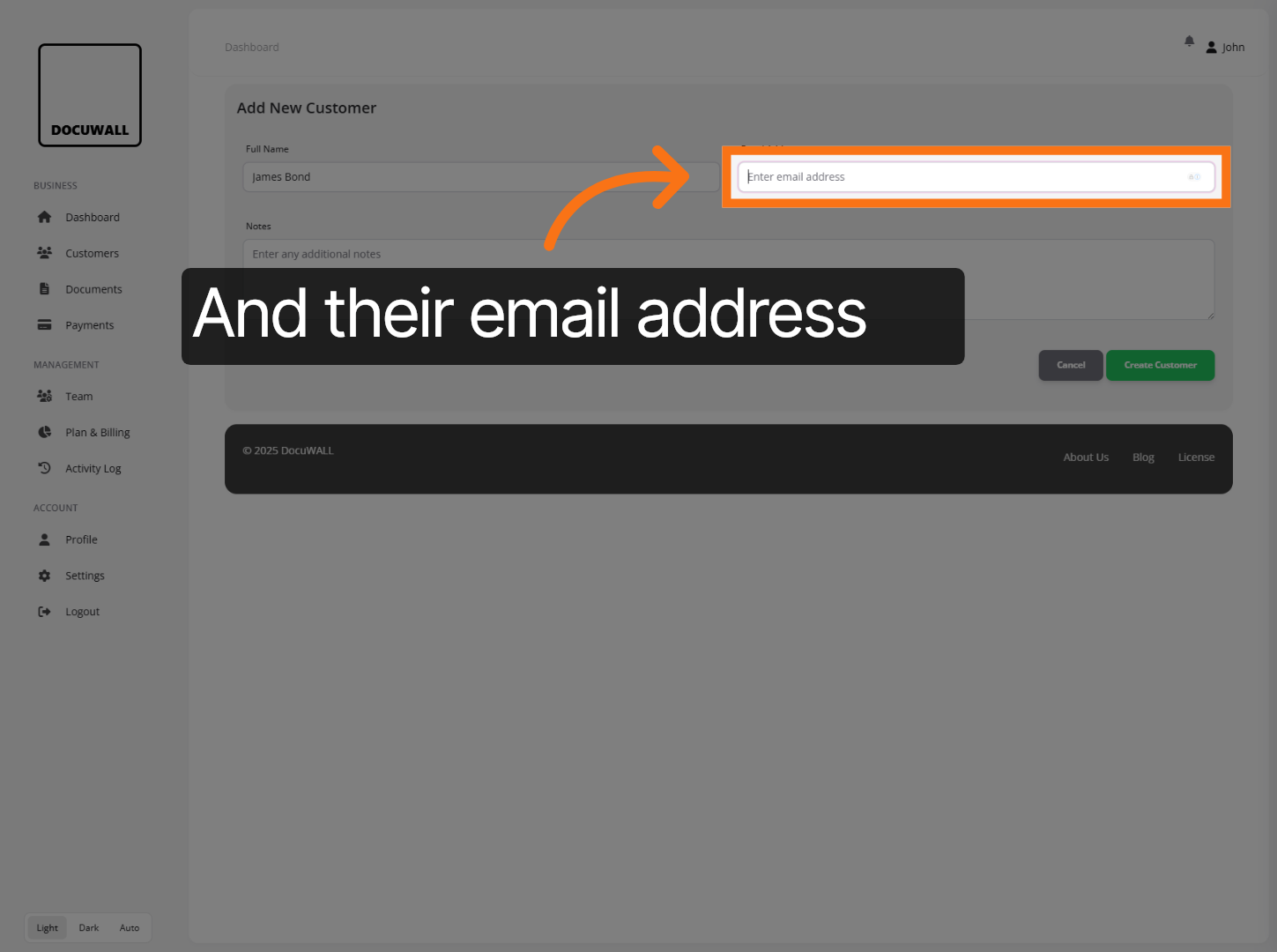
You can add additional notes underneath, if needed.
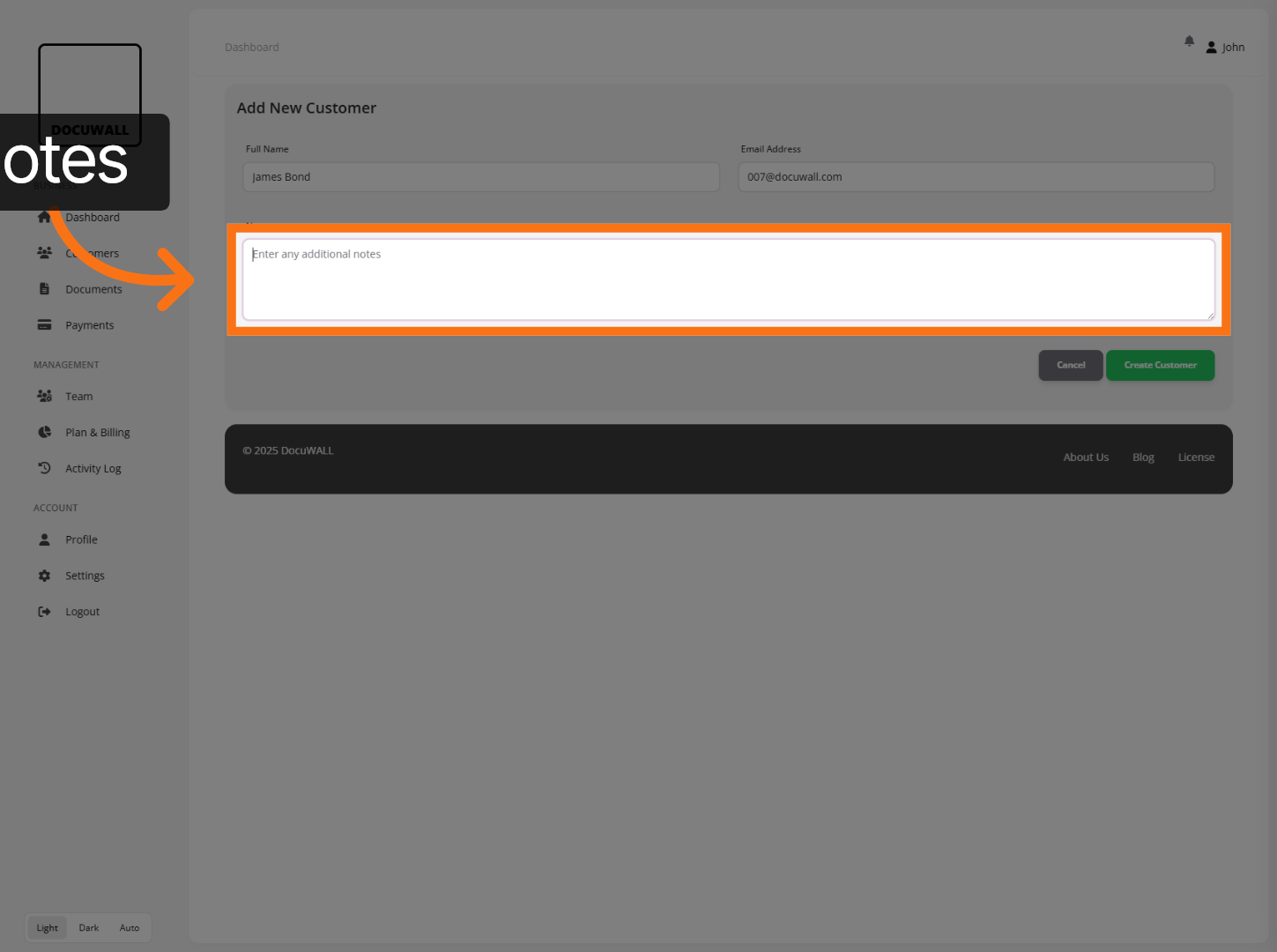
Click Create Customer to save the new customer information into the system.
9. Open Documents Section
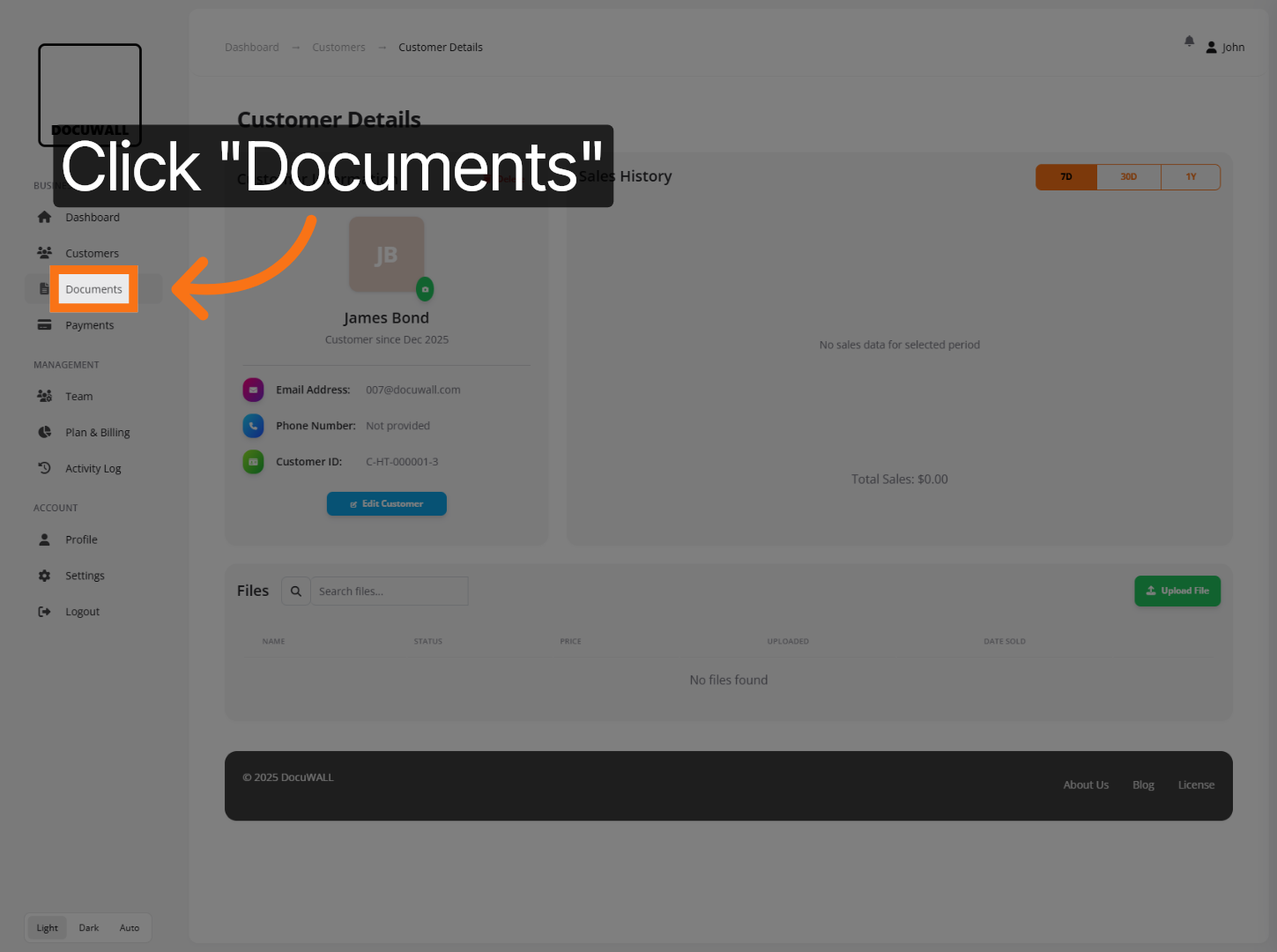
Once you’ve created a customer, or several customers, you can start uploading documents and assigning them to your customers.
Click Documents to access the area where you can manage customer-related files.
10. Upload Your First Document
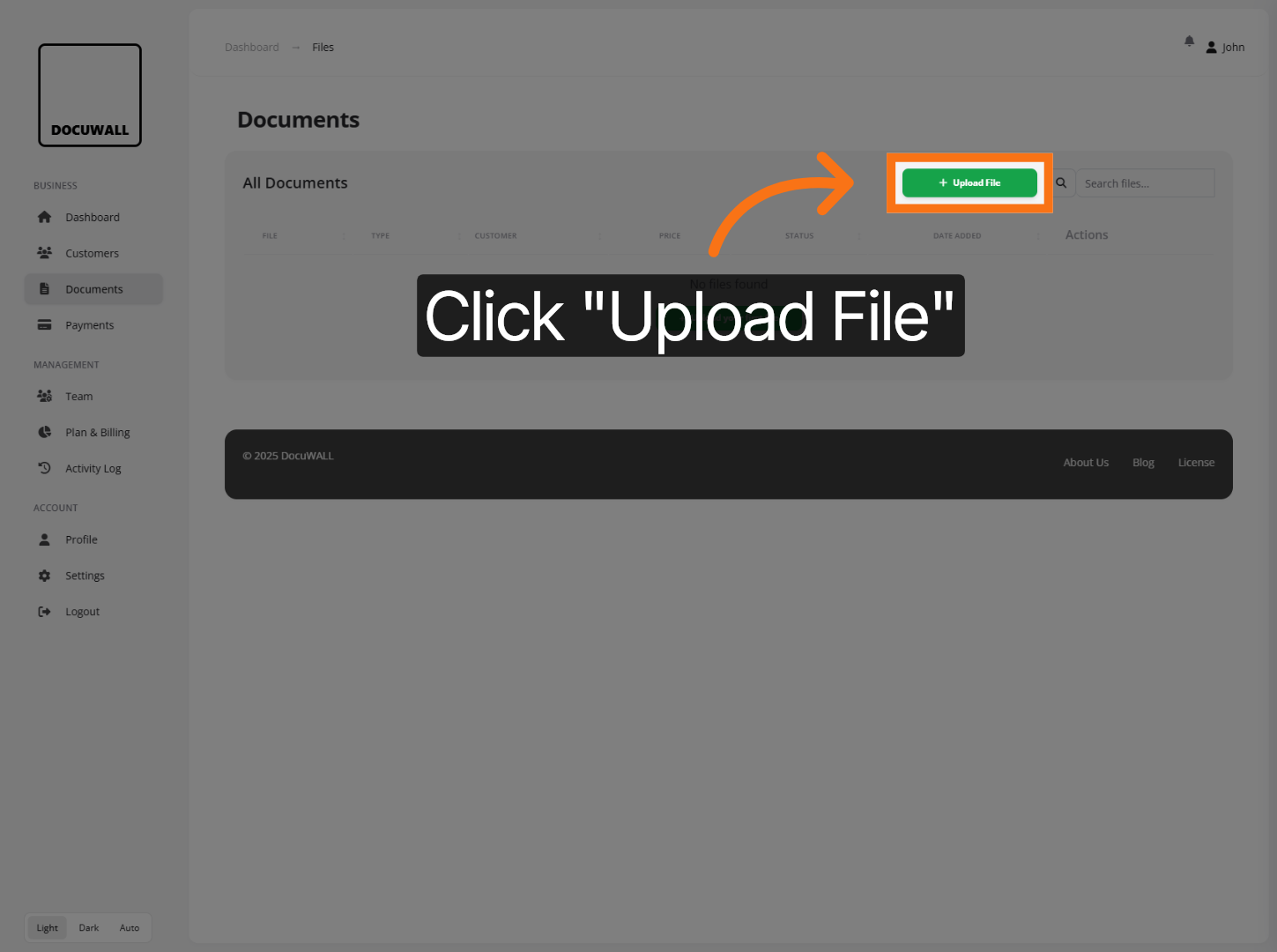
Click Upload File to begin adding a new document to the system.
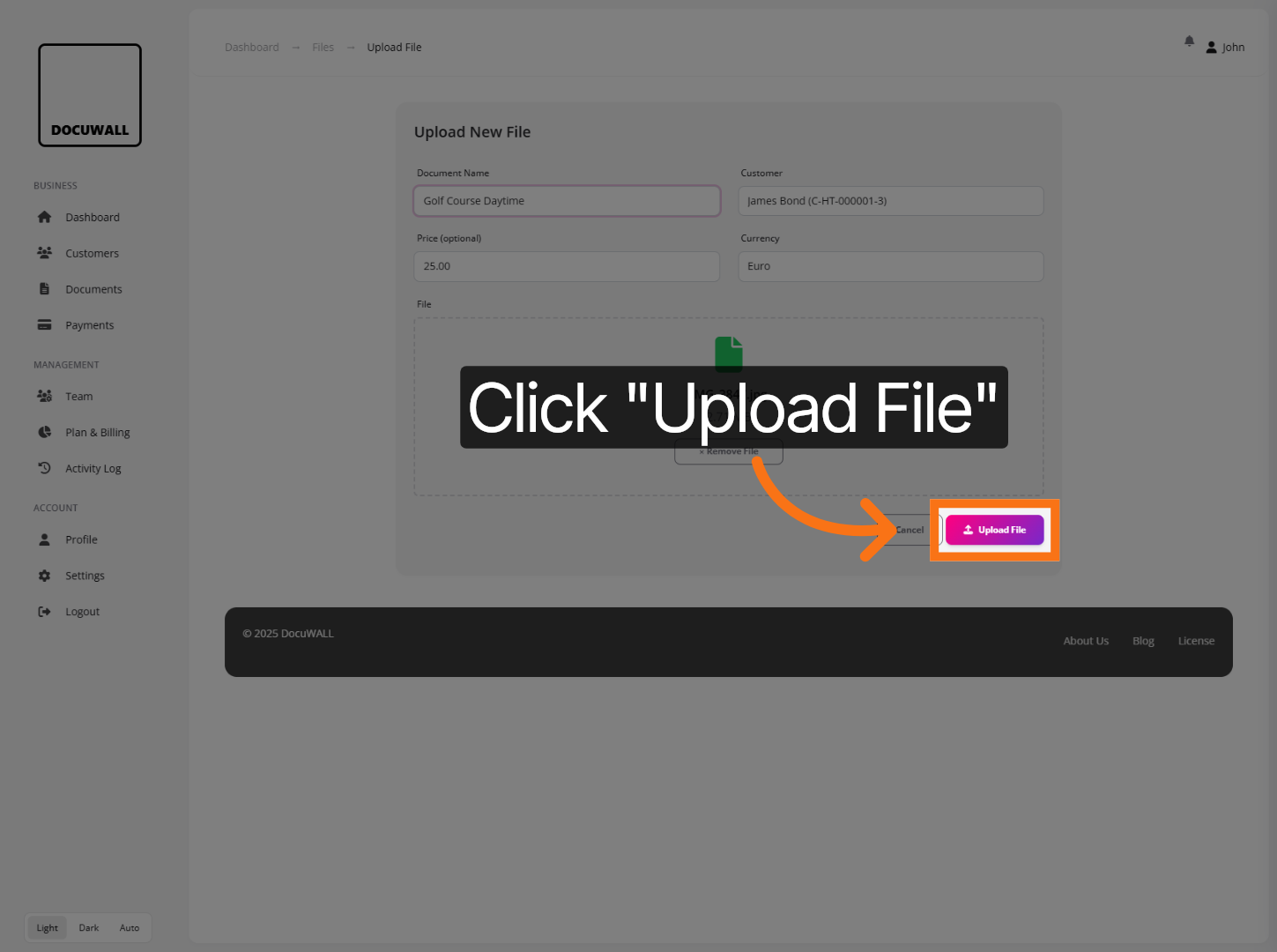
11. Specify Document Details
Specify the customer (intended recipient) associated with the document.
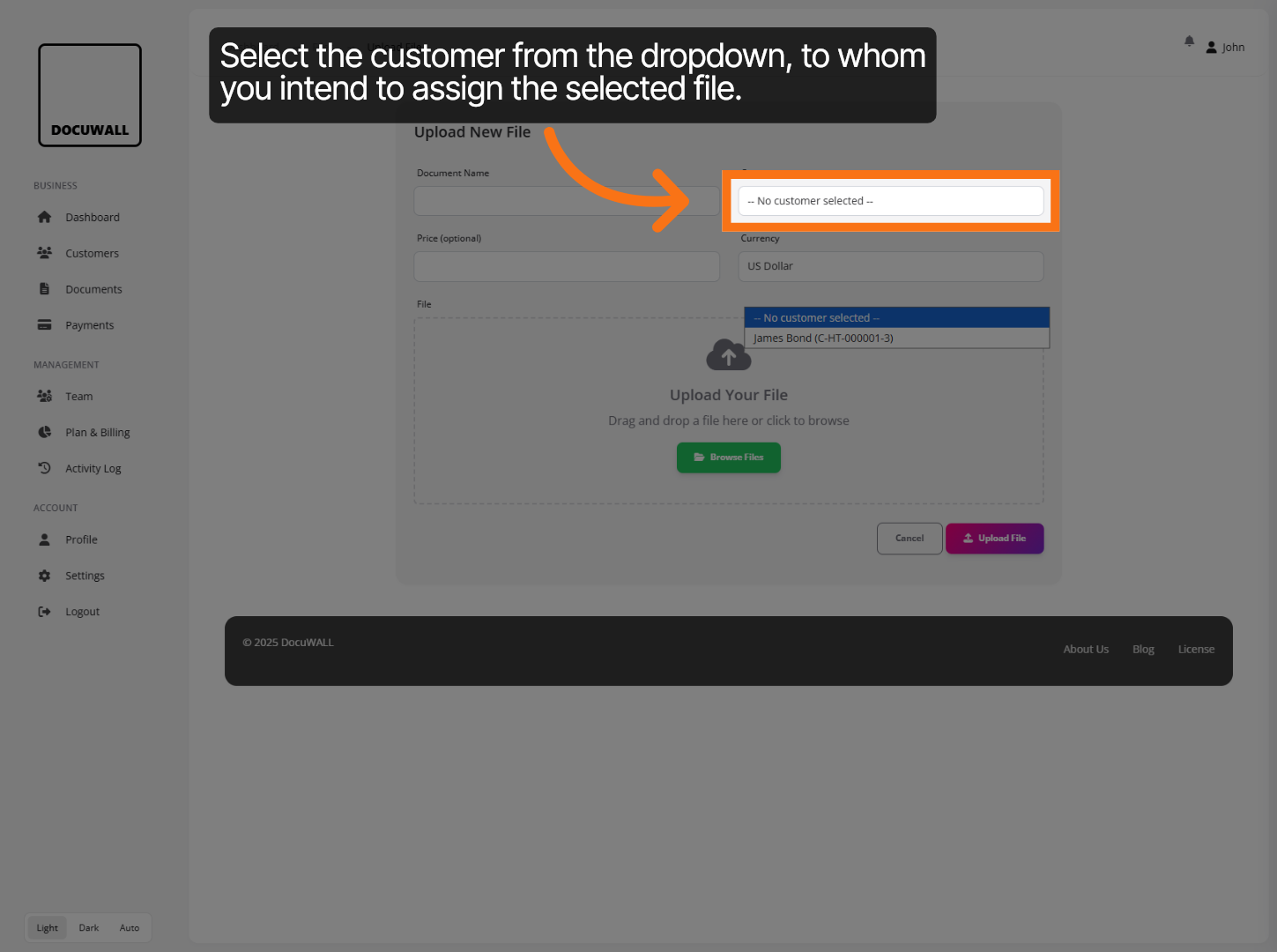
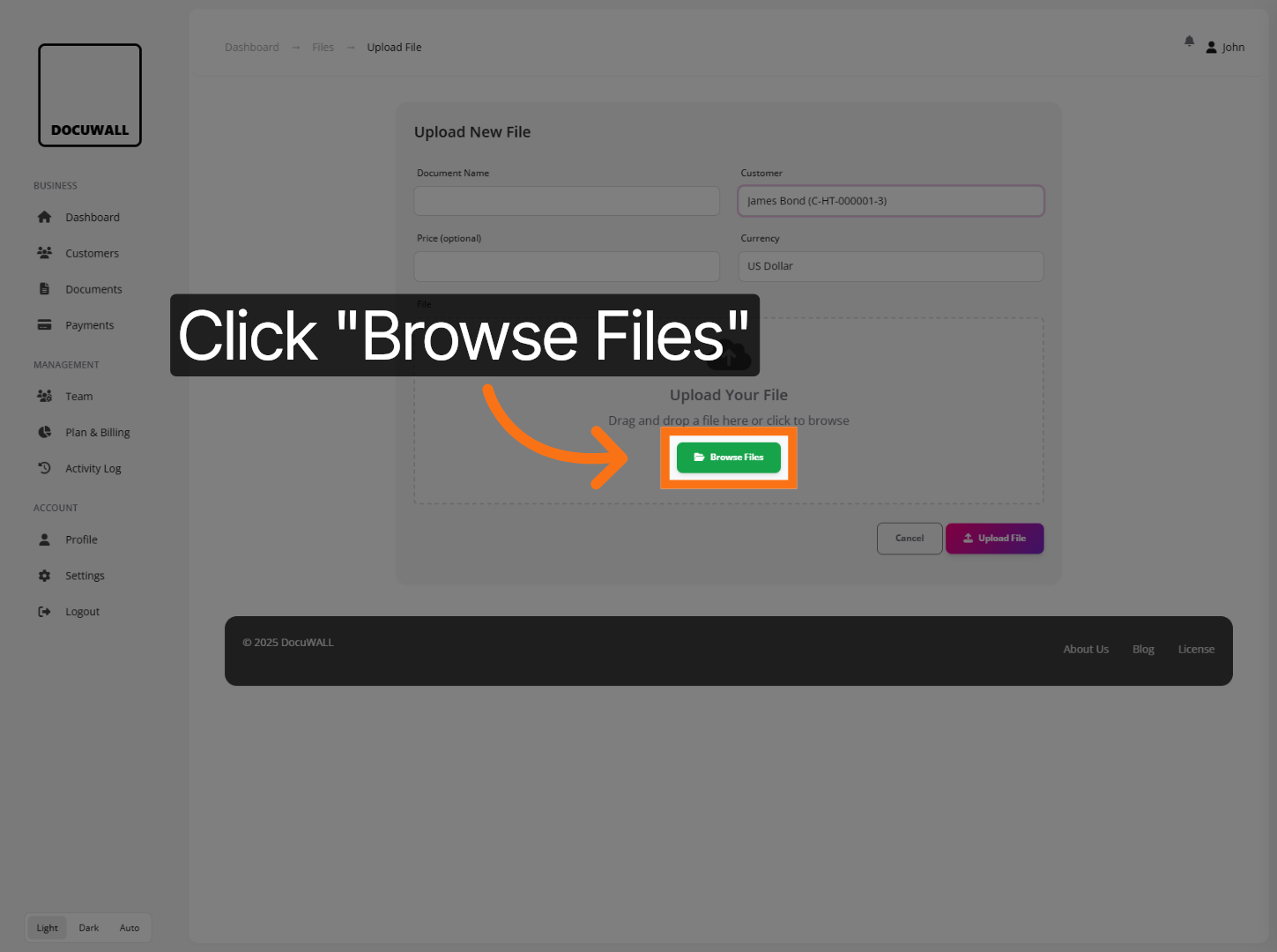
Then, click Browse Files to locate the document you want to upload from your device. Docuwall supports several document types, such as Word, Excel, Publisher, PowerPoint, and PDF files; as well as common image files.
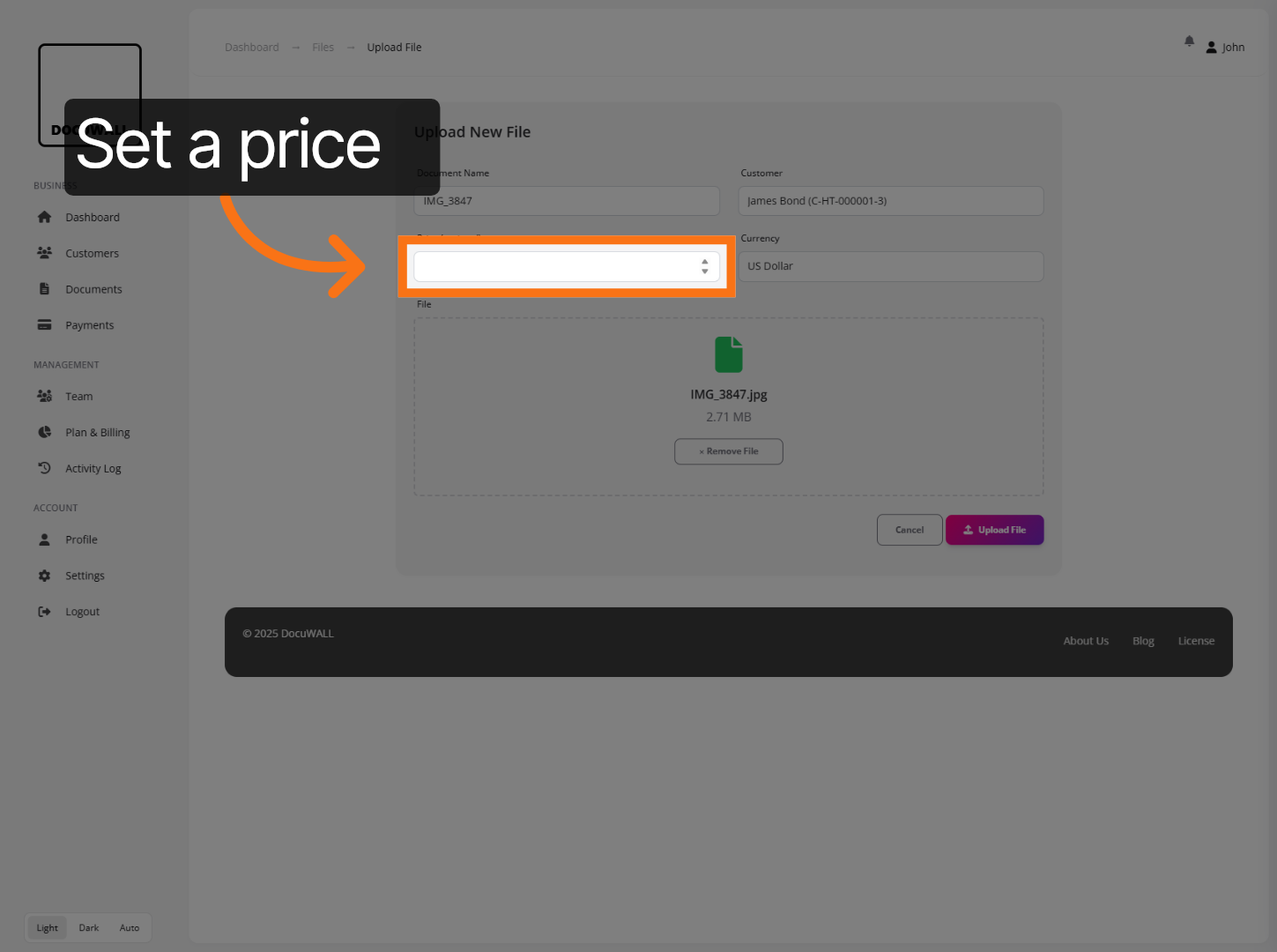
Click the Price field to define a fee associated with the document.
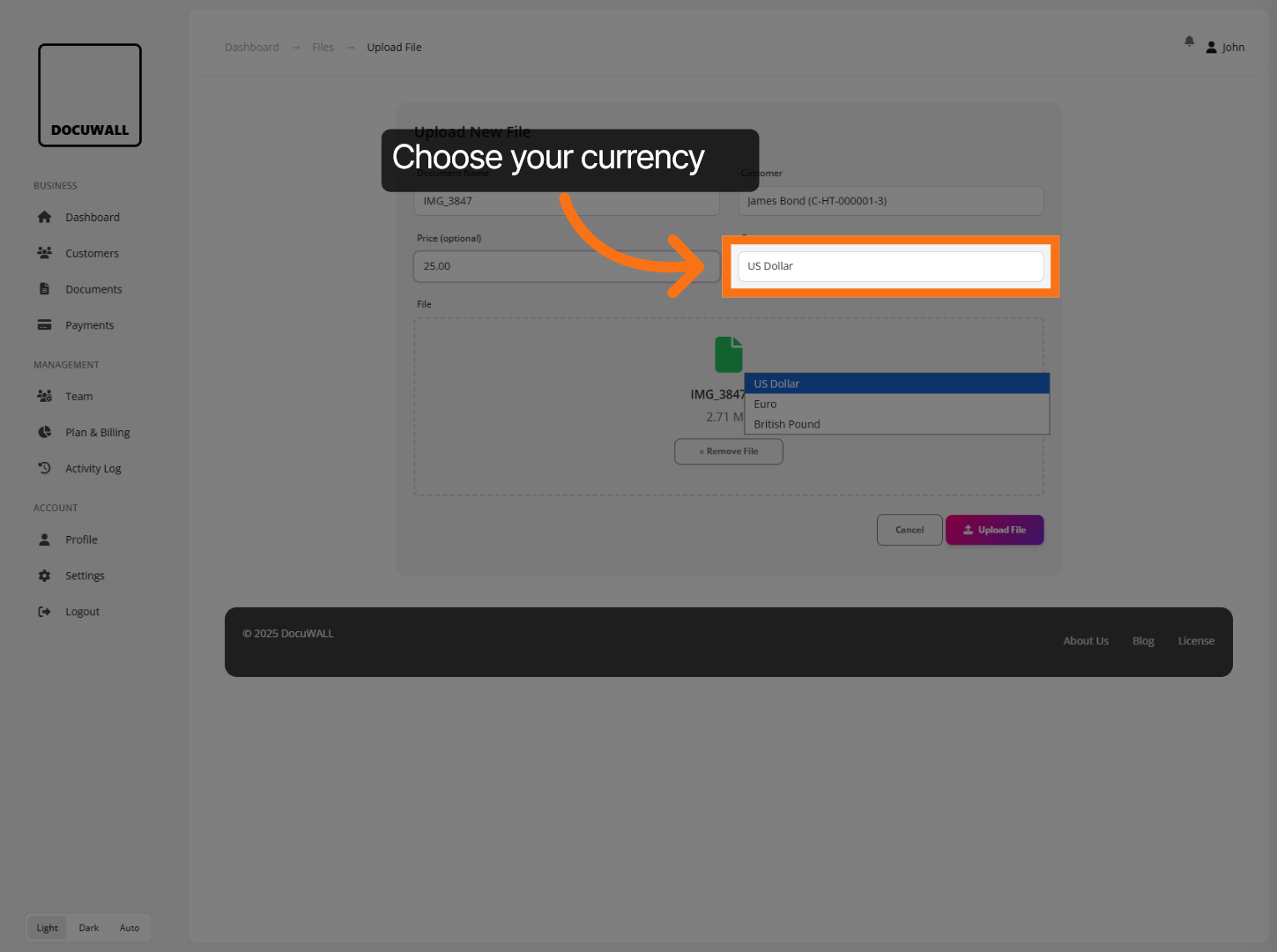
If required, you can then choose the preferred currency for the price specified.
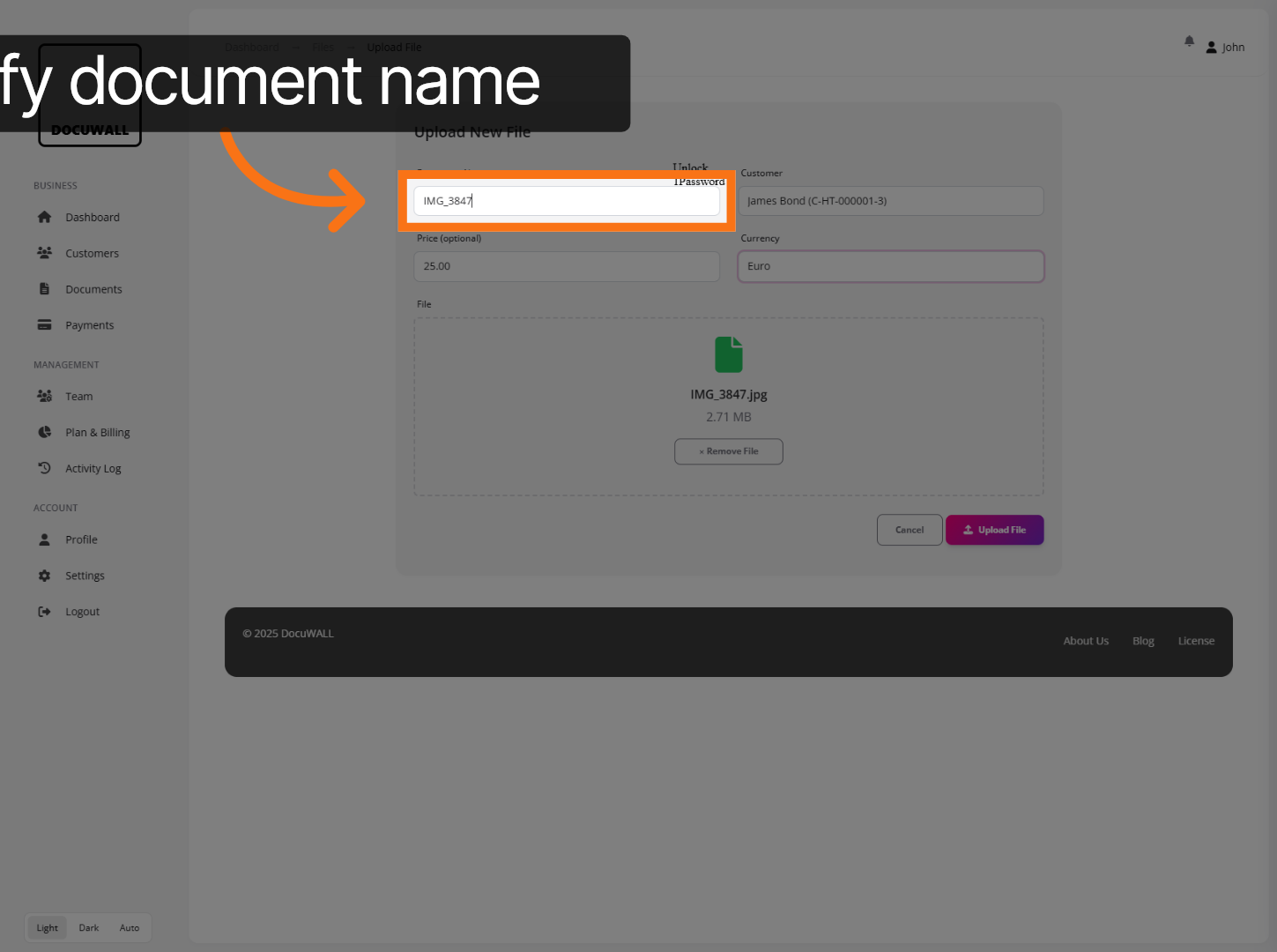
[Optional] The document name will be based on the name of the file uploaded, but you can specify a new title for the uploaded file here, if you prefer.
Click Upload File to finalise adding the document to the customer’s profile.
That’s how to create your first customer profile and upload related documents in Docuwall.